Physical Computing
Weekly Activity Template
Yuxuan Xie
Module 1
Activity Research
Through these three activities, I learned how to use Arduino Uno, work with sensors, and connect physical inputs to digital interfaces. I practiced controlling an LED, explored sensor communication with ProtoPie Connect, and used TouchDesigner to visualize real-time data from a potentiometer. These activities helped me better understand how physical computing connects hardware, software, and interactive experiences.
Activity 1
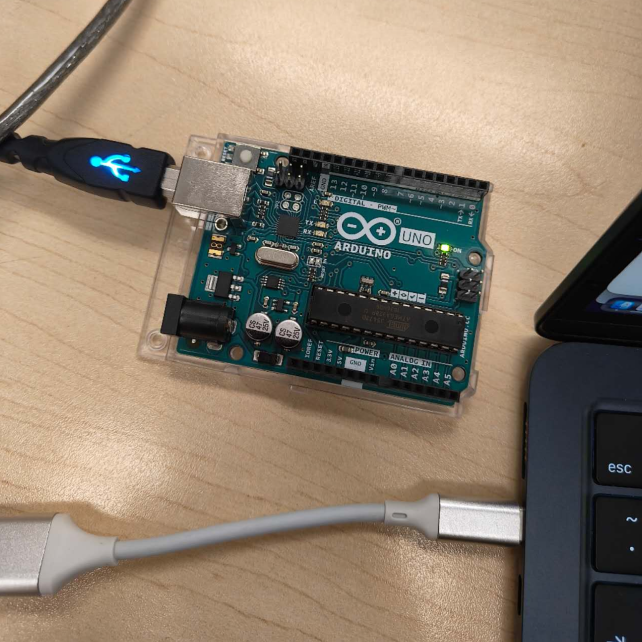
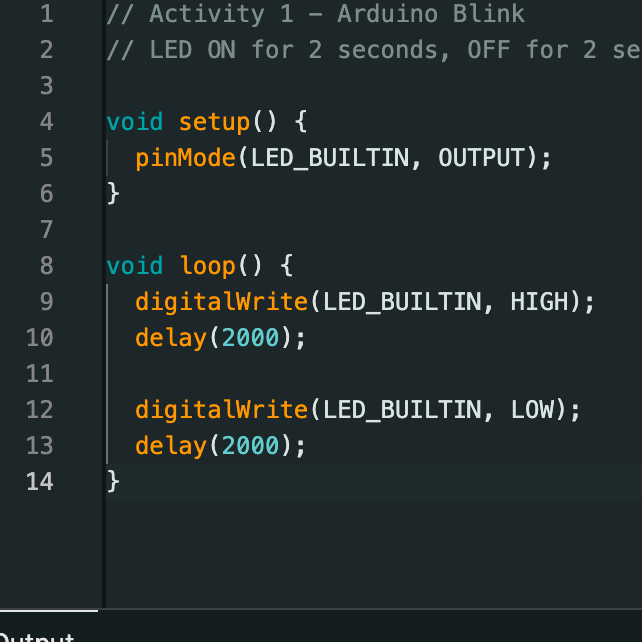
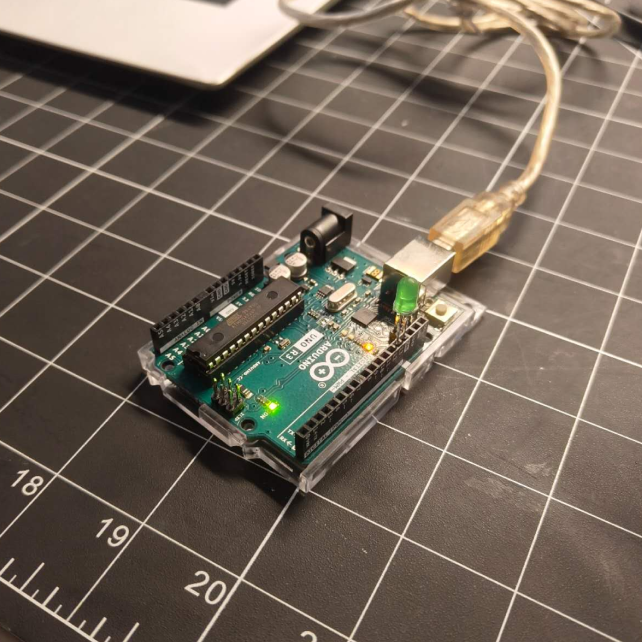
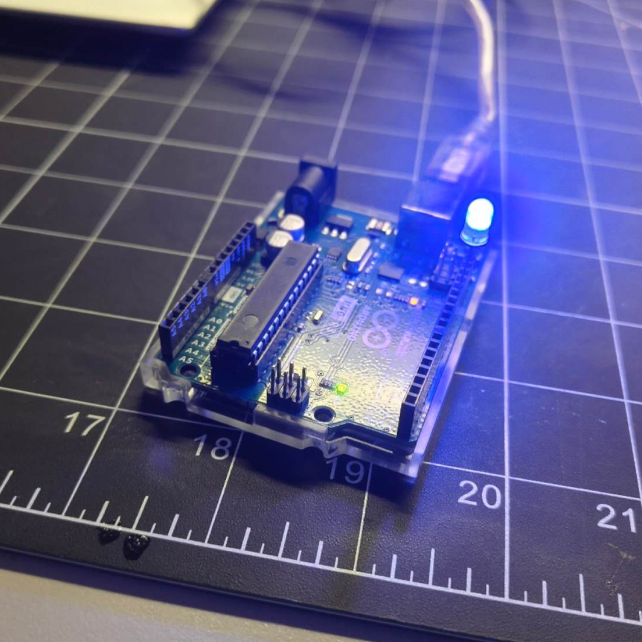
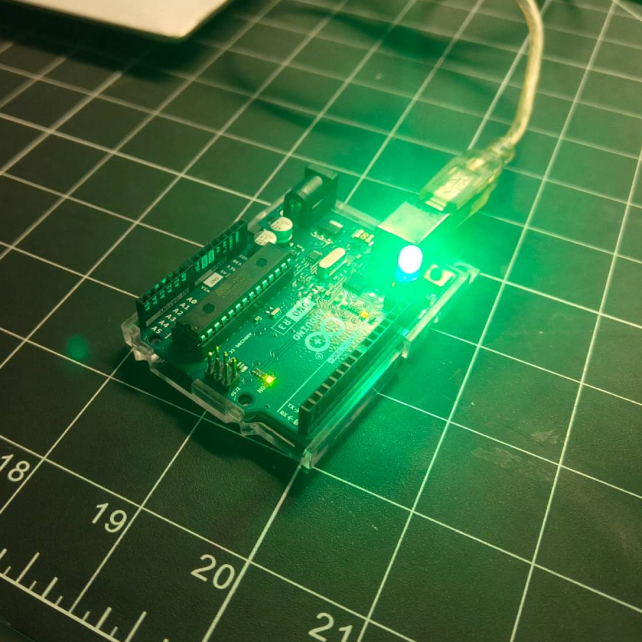
In this activity, I learned how to connect an Arduino Uno, select the correct board and port, and control an LED using digital output. I modified the Blink example so the LED turns on for two seconds and then turns off for two seconds repeatedly.
Activity 2
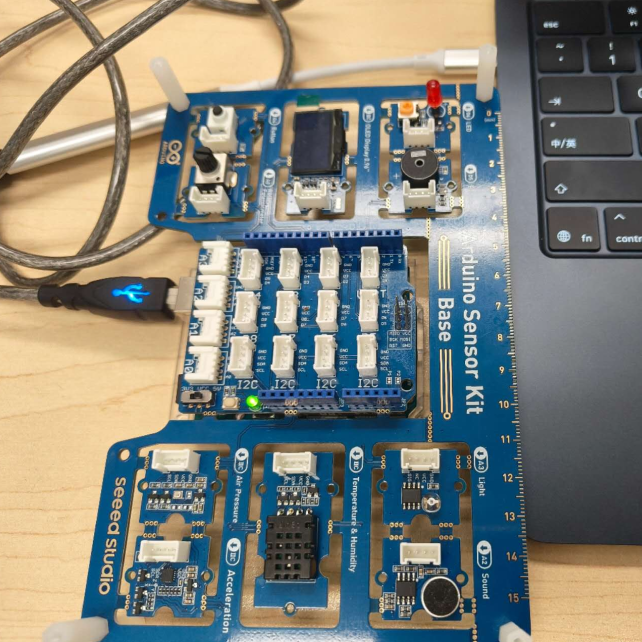
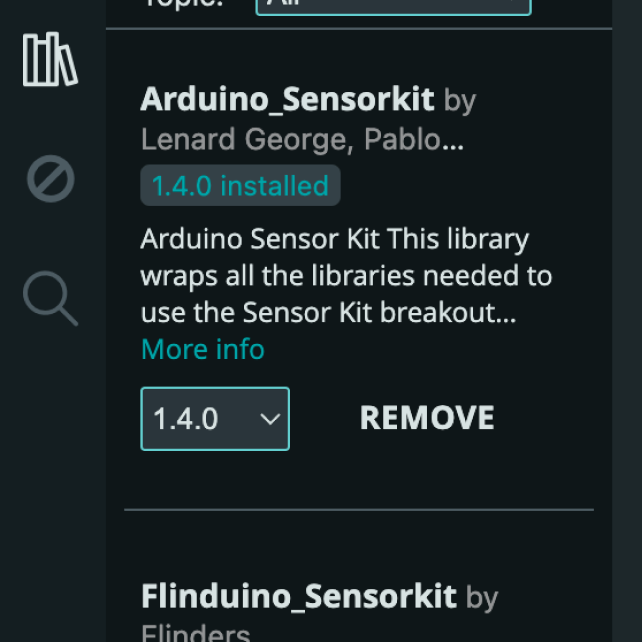
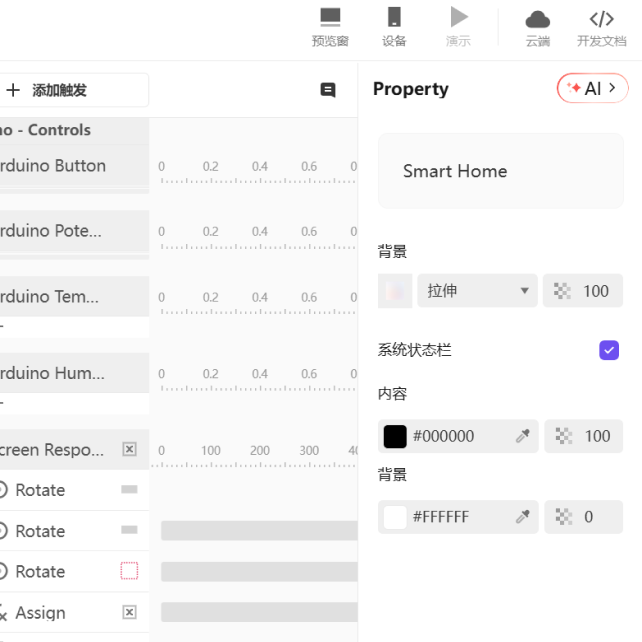
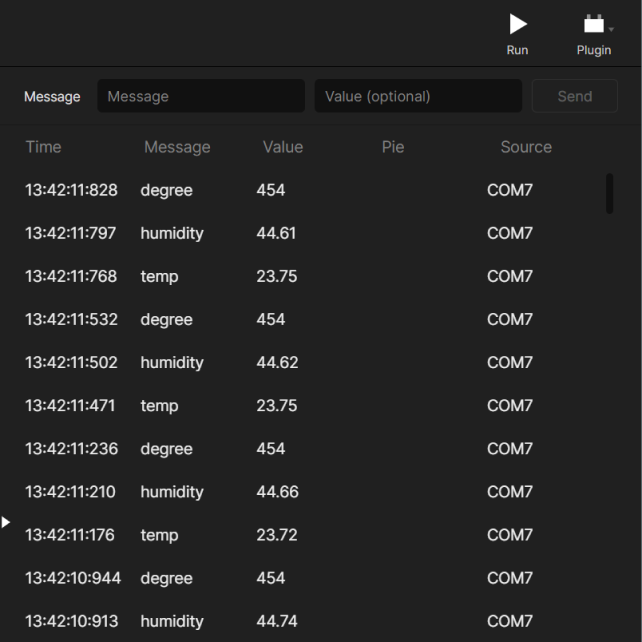
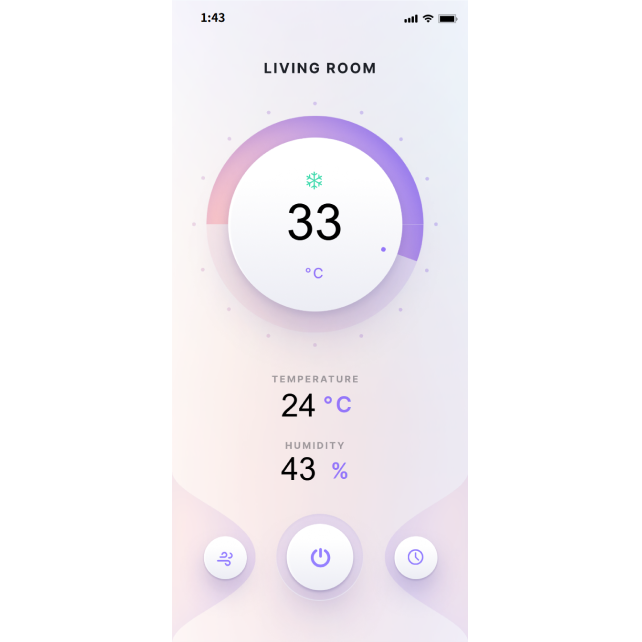
In this activity, I learned how Arduino can communicate with ProtoPie Connect using sensor data. I explored how temperature, humidity, and potentiometer readings can be sent to a digital interface to create interactive responses.
Activity 3
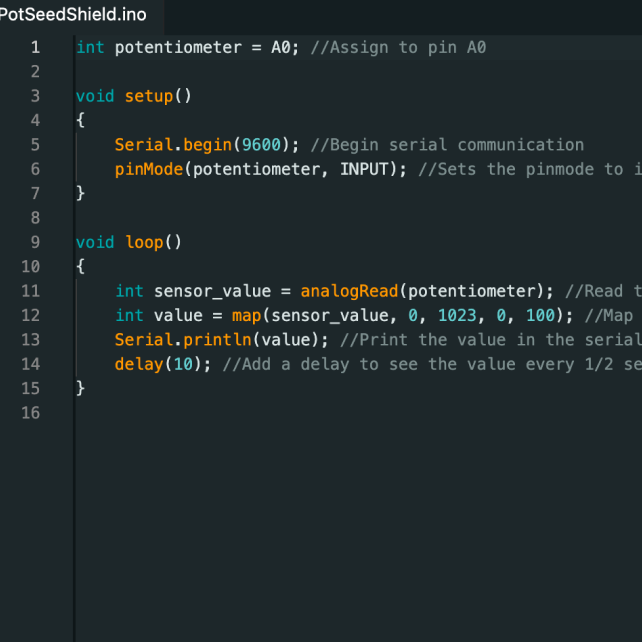
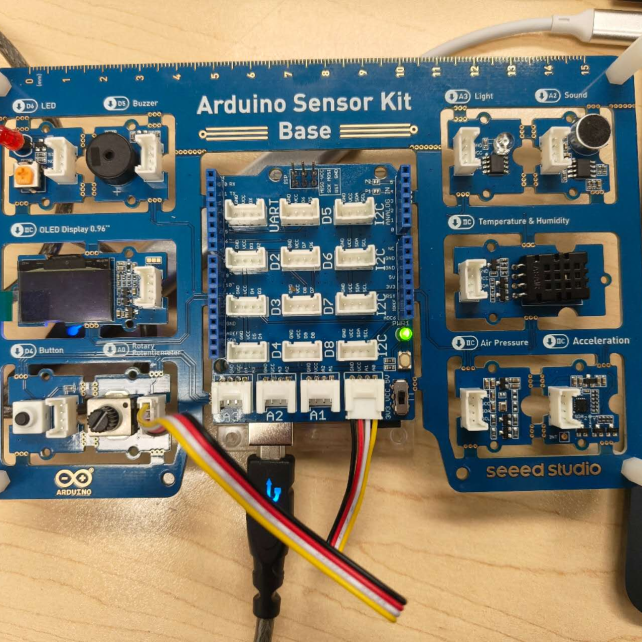
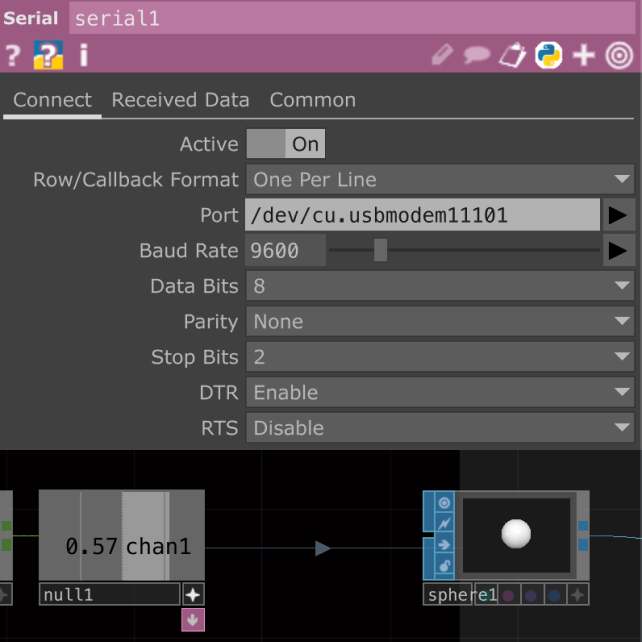
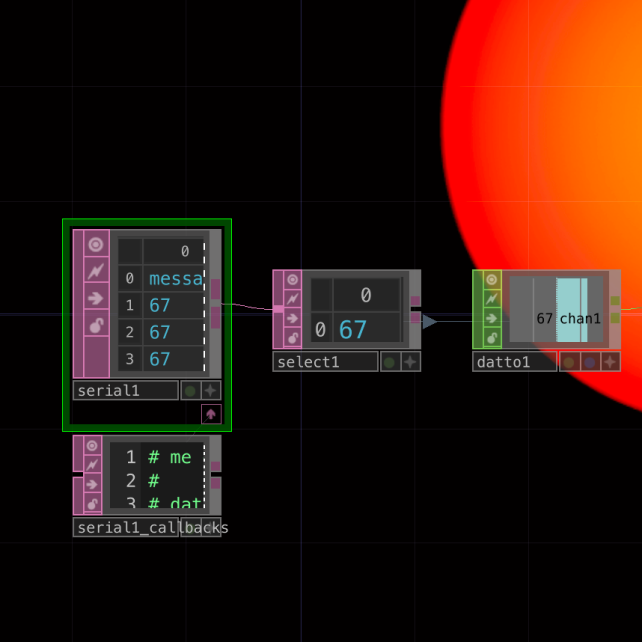
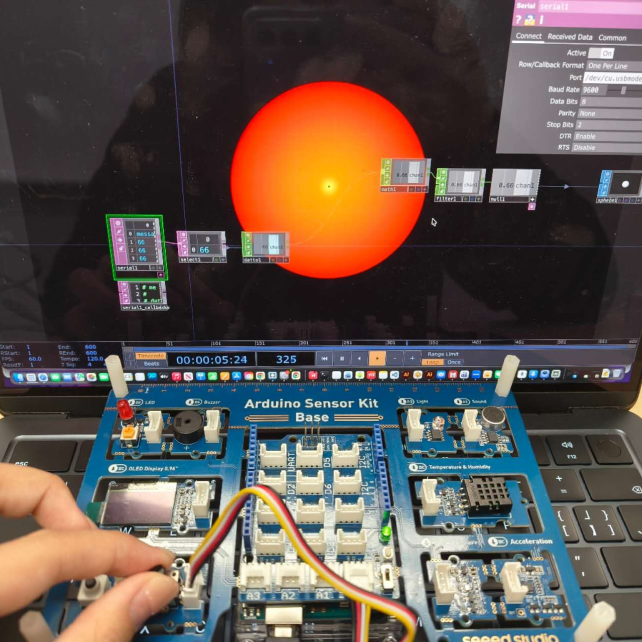
In this activity, I learned how to connect Arduino to TouchDesigner through serial communication. I used a potentiometer to send real-time sensor data and explored how physical input can control the size of a 3D sphere in TouchDesigner.
Research Activity
Consumer Trend Research
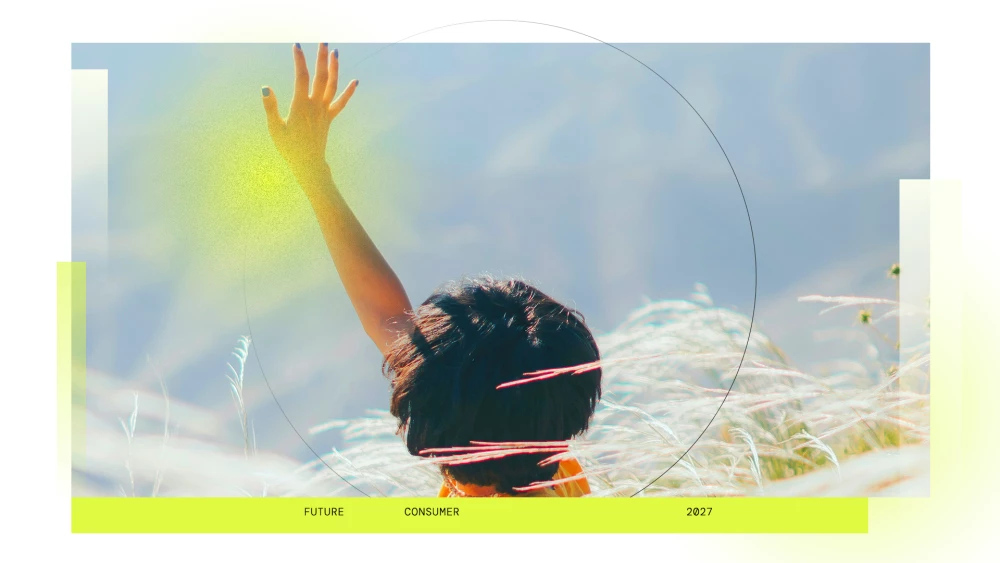
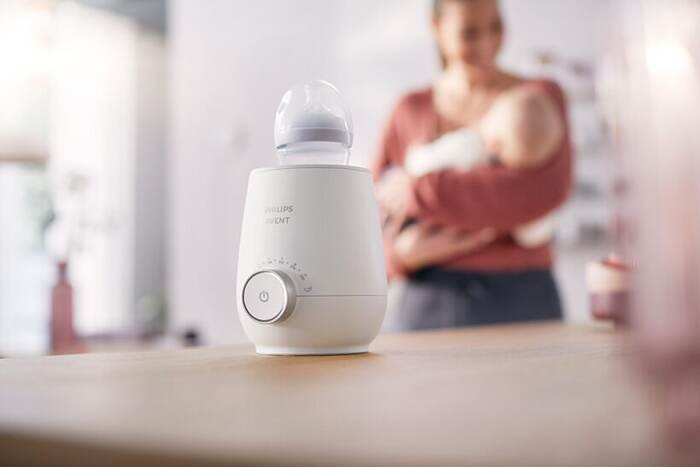
We began with home care technology. The IFA article presenting WGSN's 2027 outlook informed our interest in technology supporting domestic needs. My early direction explored temperature feedback during infant feeding. I did not continue it because measuring temperature could not heat or cool milk, while adding temperature control expanded the scope and approached existing product functions.
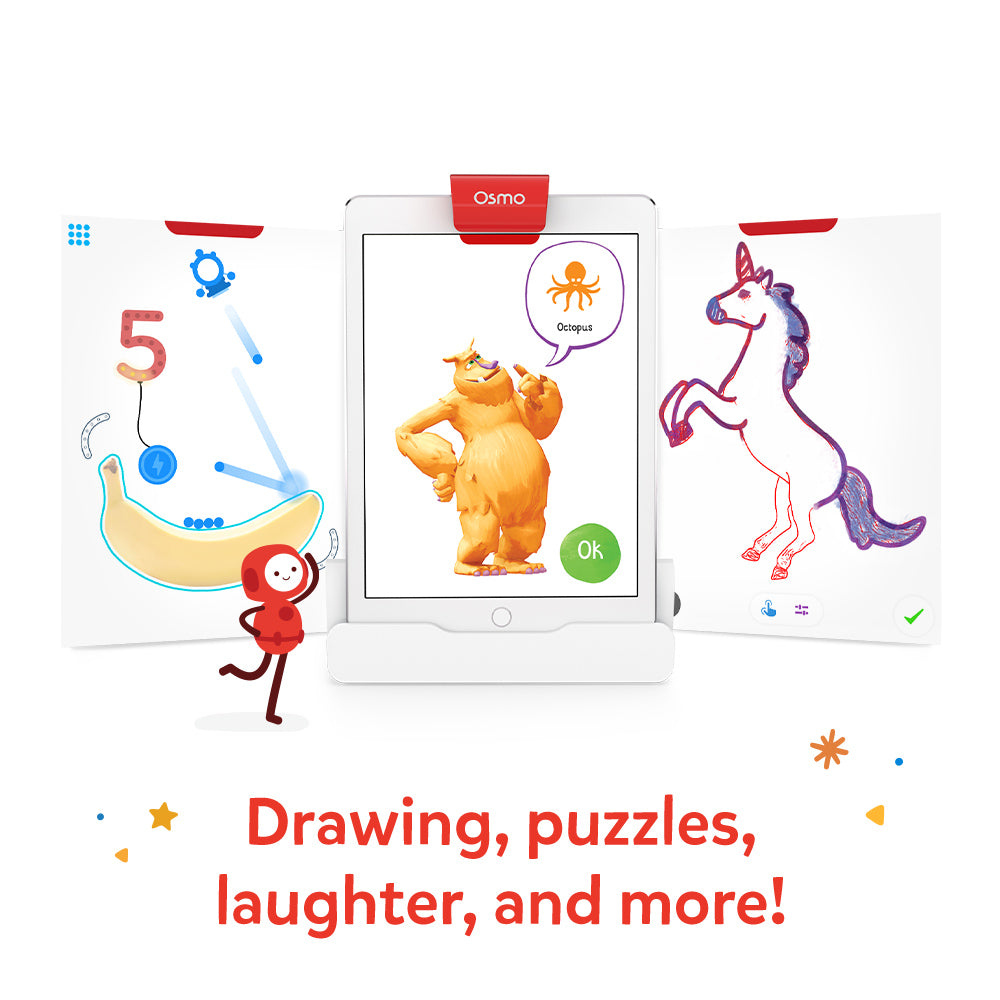
Yuxuan's visual exploration led us toward creative play at home. Common Sense Media's 2025 US research reports tablet ownership of 40% by age two and 58% by age four. Osmo provides a reference for physical drawing linked to digital responses. These sources informed Ink Free Painting, but do not establish demand or suitability for our proposed pen-free experience for ages 3–5.
Personas Research
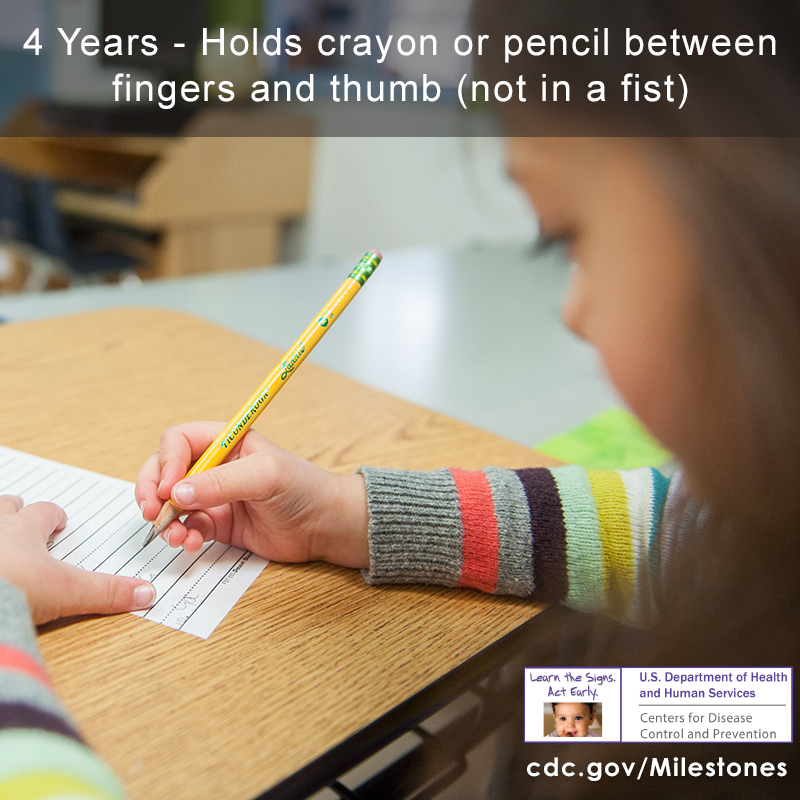
Our primary user is a preschool child aged 3–5 exploring colour, marks and movement. We narrowed the initial ages 2–5 range to focus the prototype. CDC milestones provide context for drawing and hand control, but do not establish mid-air interaction skills. Clear feedback, tool selection and recovery from unintended marks are our main design considerations.
The caregiver supports setup, explains the activity and manages the equipment. Children and adults may have different digital experience; neither group's ability to use the system is assumed. Space, maintenance and artwork storage are possible purchasing considerations, not established priorities. This is a provisional profile based on secondary research. No child or caregiver interview has been completed.


HMI Research
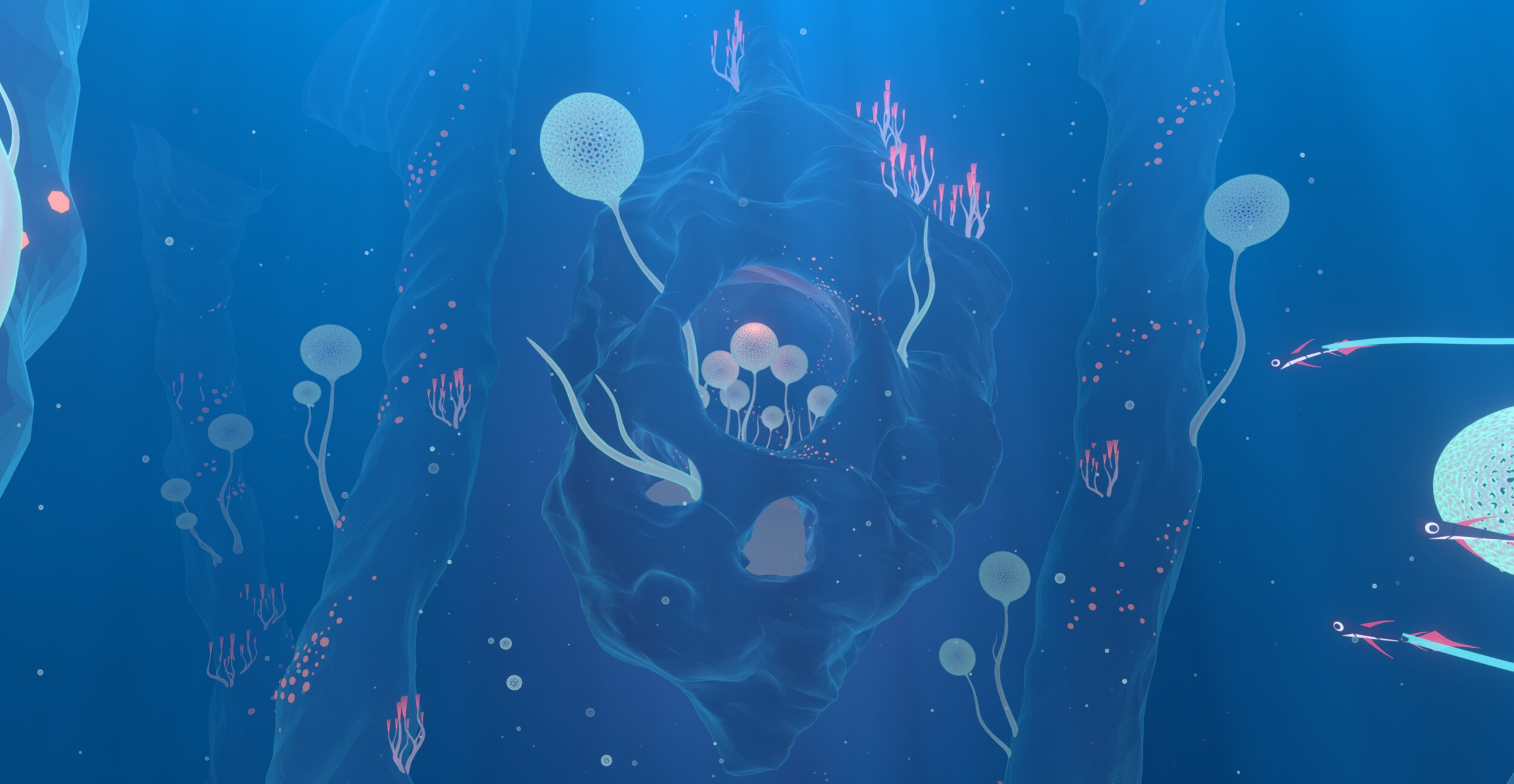
Our first problem space is active creation. How might we help preschool children explore relationships between body movement, colour and marks through creation? This question developed as we moved from a prepared deep-sea environment toward children creating their own pictures.
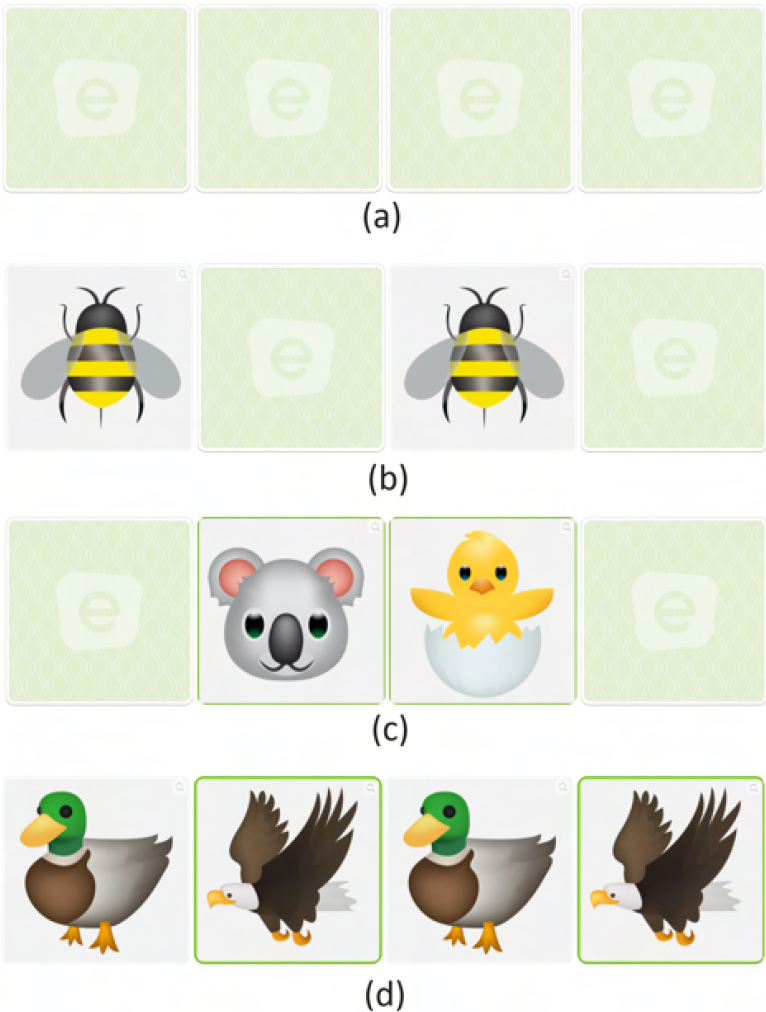
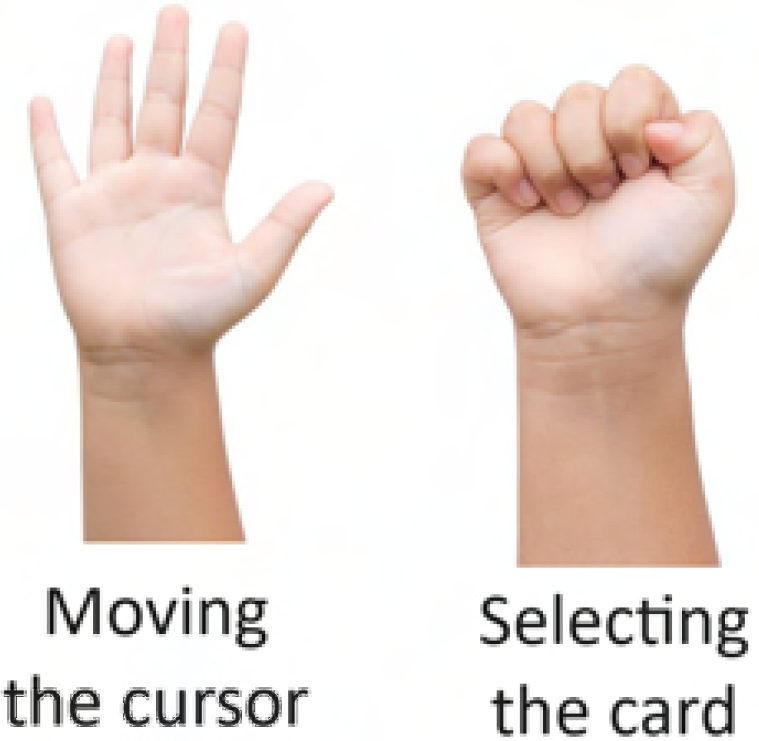
Our second problem space is understandable control. How might we support different levels of control while reducing reliance on precise movements and written instructions? Fallah and MacKenzie's 2024 card-matching study with 18 children aged 5–7 found better performance with mouse input than the tested gestures. This motivates evaluating our controls; it does not establish results for drawing or children aged 3–5.
Project Path
We selected the collaborative Design Path. My temperature-device research highlighted sensing, feedback and household constraints. Yuxuan's deep-sea exploration contributed responsive visuals, but its complexity and the lack of evidence for therapeutic claims led her toward digital painting. We jointly developed Ink Free Painting.
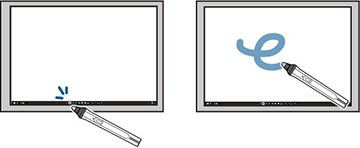
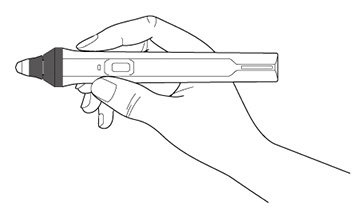
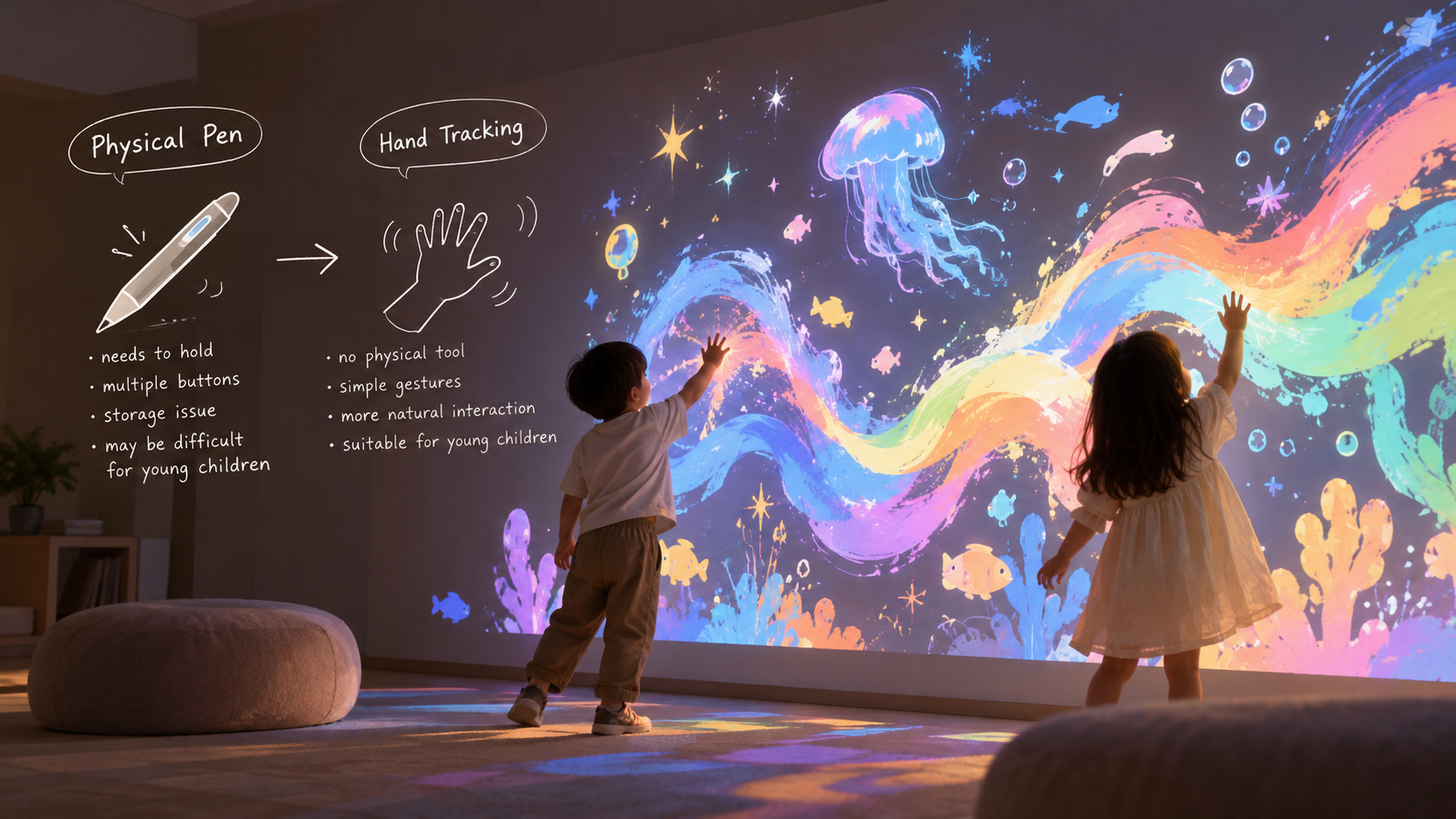
We compared a tracked physical pen with pen-free hand tracking. A pen could separate movement and drawing through a switch, but introduced grip, coordination, storage and hardware questions. We selected hand tracking for further exploration without assuming that it would be easier for children.
The next prototype will focus on one brush, a small colour palette and reset. Evaluation will examine tool selection, drawing states, tracking loss and unintended marks. Visual exploration informs the experience, while future testing will guide the controls.
Project 1 Concept
Ink Free Painting
Prototype Proposal — Design Path
Ink Free Painting is a proposed gesture-based drawing experience for children aged 3–5. Children move a hand to create digital marks and colour on a projected canvas, without physical paint, ink or a separate drawing tool. A caregiver supports setup and use at home.
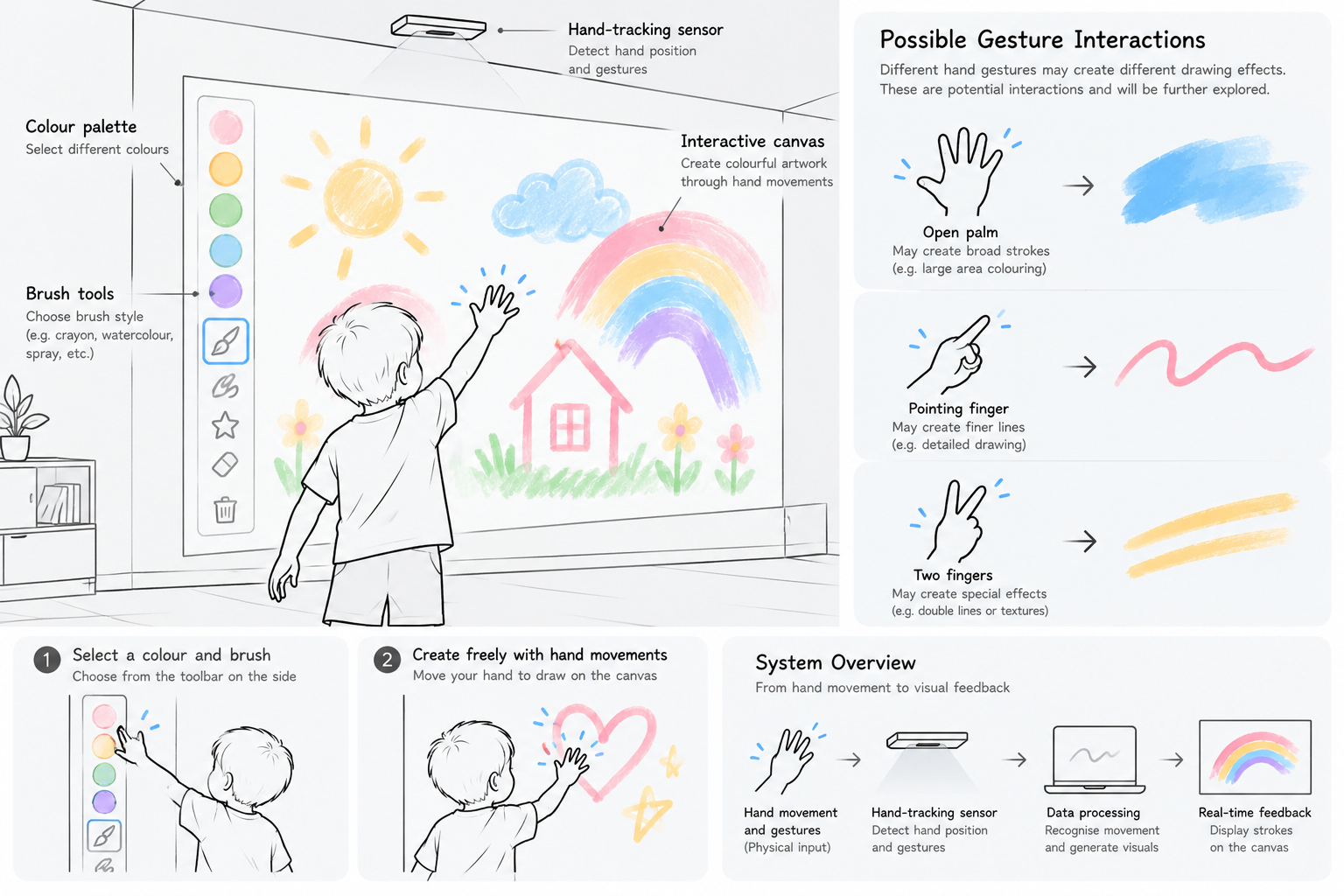
Children select a colour or brush from a toolbar, then move into the drawing area to create marks. The concept does not require a continuous fist or button press. How the system distinguishes selection from drawing and prevents unintended marks remains a prototype question.
Physical Input and Digital Output
- Input: hand position, movement and tool-selection actions.
- Processing: map tracking data to canvas coordinates and interpret interaction states.
- Output: projected cursor, digital strokes, selected colour and state feedback.
TouchDesigner is the proposed environment for live visual responses. The sensor, tracking method and projection arrangement have not yet been selected.
Prototype Scope and Evaluation
The first prototype will use one brush, a small colour palette and reset. Evaluation will focus on tool selection, drawing states, tracking loss, unintended marks, reach and physical effort. Different hand shapes for different effects remain possible later explorations.
A classmate suggested saving artwork during peer feedback. This led me to consider Procreate's gallery as a reference. Saving remains a possible extension, not an implemented feature. Project 1 presents a research-based proposal; child usability, learning outcomes and therapeutic benefits have not been established.
Powered by w3.css